[Day-2] Operating Systems & Linux Basics
Welcome to Day 2 of the DevOps Bootcamp! Today, we are shifting our focus to Linux and operating systems. As a DevOps professional, having a strong foundation in Linux is essential because it is the backbone of many DevOps tools and environments.
Today's Agenda
1. Introduction to Operating Systems:
What is an Operating System?
Types of Operating Systems: Windows, macOS, Linux.
Why Linux is popular in DevOps.
2. Basics of Linux:
Overview of Linux distributions (Ubuntu, CentOS, Fedora).
Navigating the file system.
Basic Linux commands (ls, cd, mkdir, rm, etc.).
3. File and Directory Management:
Creating, moving, and deleting files and directories.
Understanding file permissions and ownership.
Using
chmodandchowncommands.
4. Package Management:
Installing and removing software using package managers (apt, yum).
Updating and upgrading the system.
5. User and Group Management:
Adding and removing users.
Managing user groups.
Switching users and using
sudo.
6. Networking Basics:
Understanding IP addresses and hostnames.
Basic network commands (ifconfig, ping, netstat).
Editing network configuration files.
7. Processes and Services:
Managing processes (ps, top, kill).
Starting and stopping services.
Using
systemctlandservicecommands.
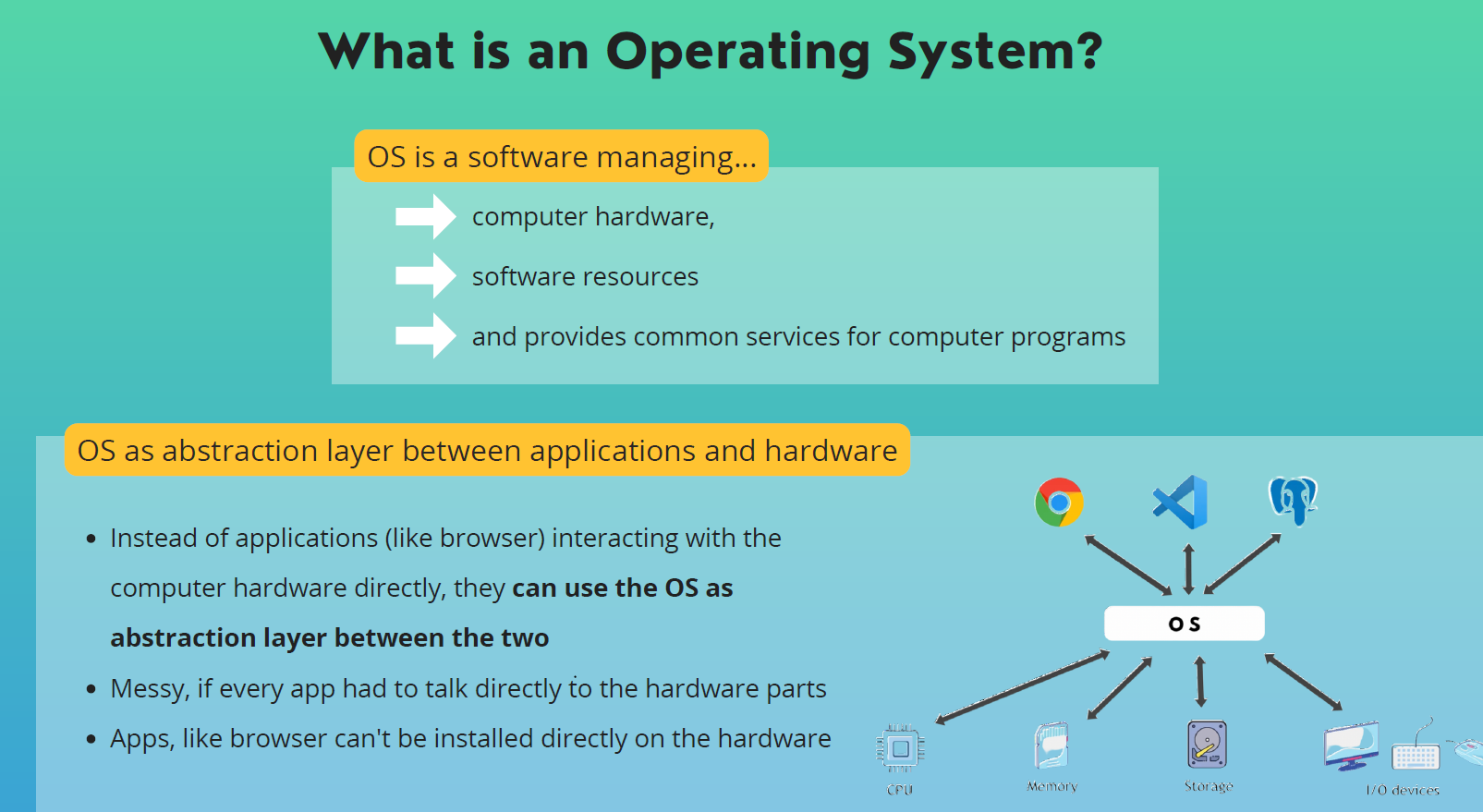
The above image explains that an operating system (OS) is a software that manages:
Computer hardware: This includes devices like the processor, memory, and storage.
Software resources: This includes files, processes, and applications.
Provides common services for computer programs: This includes things like input/output operations, memory management, and file management.
The image also highlights the role of the OS as an abstraction layer between applications and hardware:
Instead of applications interacting directly with the hardware, they use the OS as an intermediary.
This simplifies application development and makes it easier to manage hardware resources.
Without an OS, applications would need to be directly compatible with specific hardware, which would be complex and inefficient.
In summary, the OS acts as a bridge between applications and hardware, making it possible for various applications to run on different types of computers.
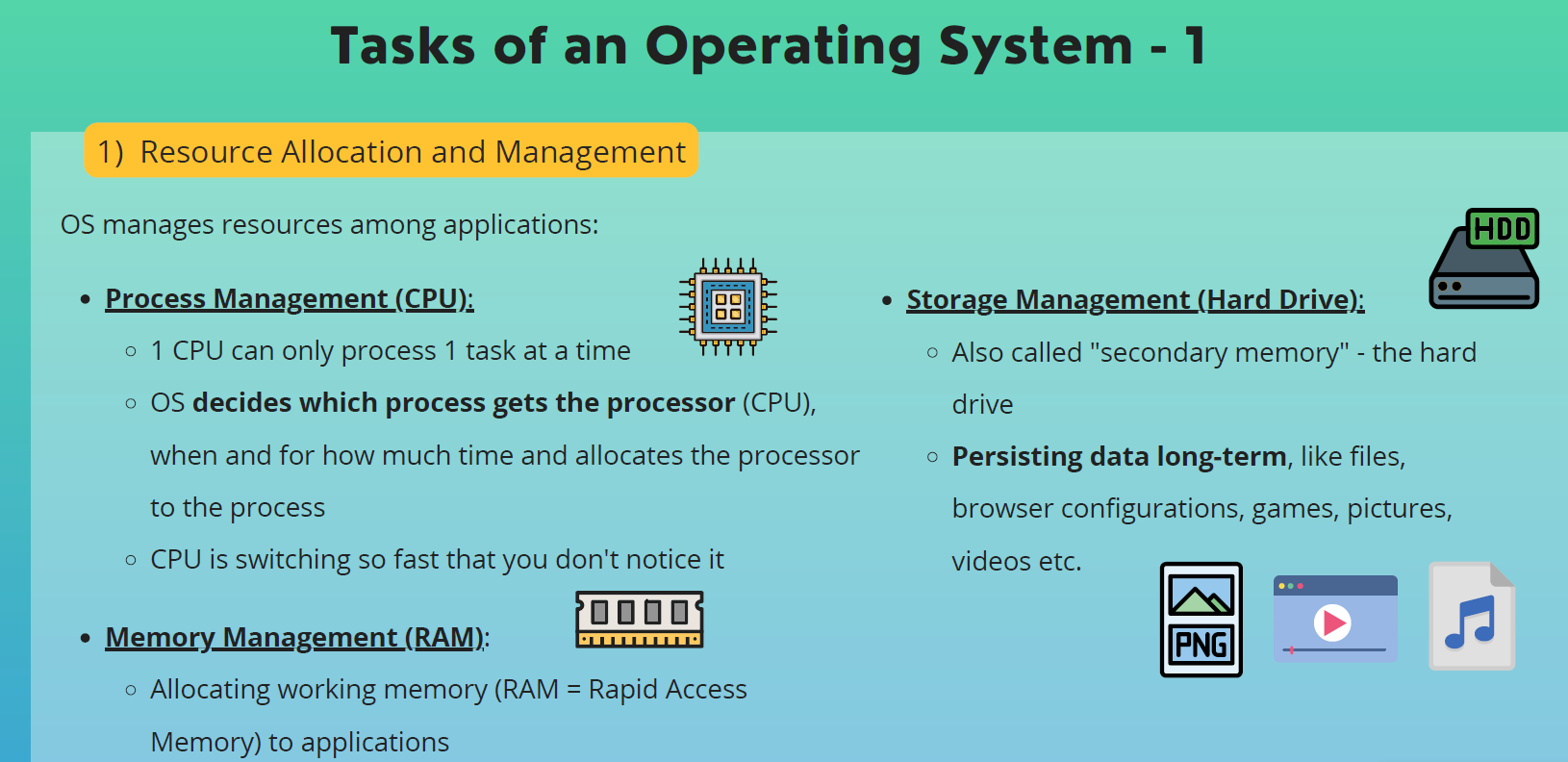
Above image provides an overview of resource allocation and management tasks performed by an operating system (OS).
Key points:
Process Management (CPU): The OS handles how the CPU (Central Processing Unit) is allocated to different processes or tasks. It ensures efficient use of the CPU by switching between processes quickly.
Storage Management (Hard Drive): The OS manages the hard drive, organizing and storing data like files, configurations, and media.
Memory Management (RAM): The OS allocates RAM (Random Access Memory) to running applications, ensuring they have the necessary space to operate.
Overall, the image highlights the OS's crucial role in managing computer resources effectively.
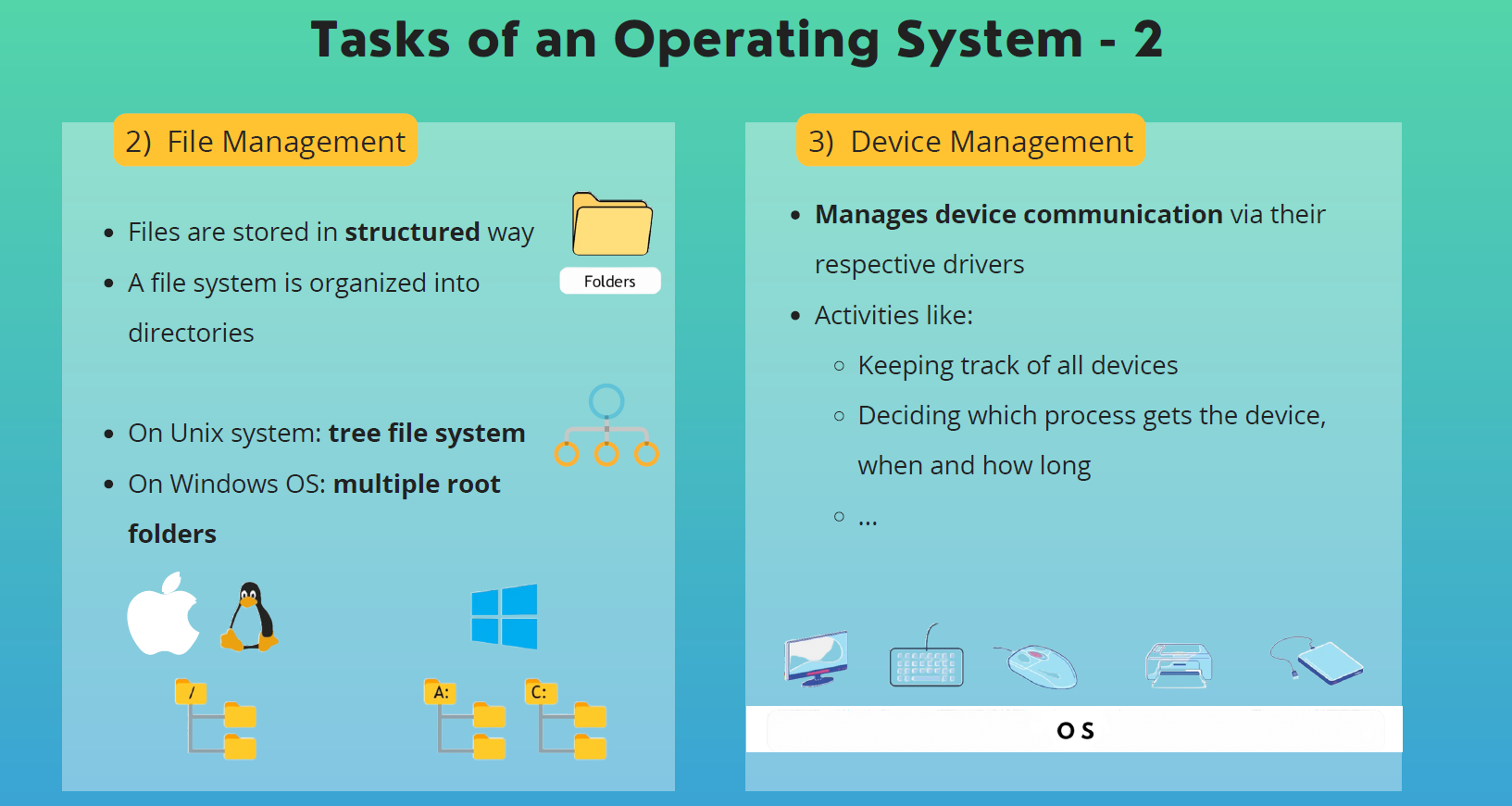
This above image provides an overview of two important tasks performed by an operating system (OS): file management and device management.
File Management
Files are stored in structured way: Files are organized in a hierarchical structure, similar to folders and subfolders.
A file system is organized into directories: Directories are used to group related files together.
On Unix system: tree file system: Unix systems typically use a tree-like structure for their file systems, with a single root directory.
On Windows OS: multiple root folders: Windows systems allow for multiple root folders, such as C:, D:, etc.
Device Management
Manages device communication via their respective drivers: The OS uses device drivers to communicate with hardware devices.
Activities like:
Keeping track of all devices
Deciding which process gets the device, when and how long
...
Overall, the image highlights the OS's crucial role in managing files and devices efficiently.
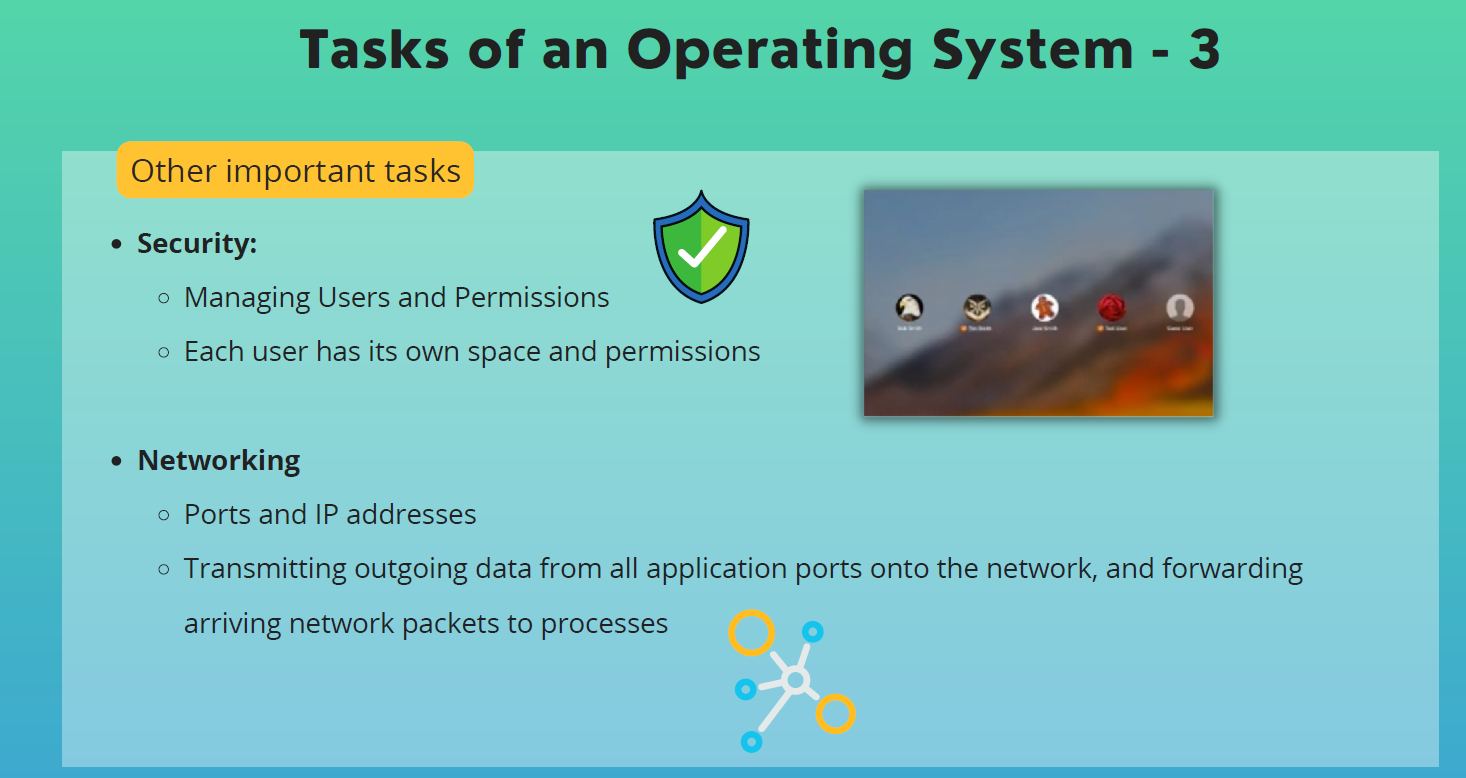
image provides an overview of two important tasks performed by an operating system (OS): security and networking.
Security
Managing Users and Permissions: The OS controls user accounts and assigns permissions to files and resources.
Each user has its own space and permissions: Different users have separate access rights, protecting data and system integrity.
Networking
Ports and IP addresses: The OS manages network connections using ports and IP addresses.
Transmitting outgoing data from all application ports onto the network, and forwarding arriving network packets to processes: The OS handles communication between the computer and the network, routing data to the correct applications.
Overall, the image highlights the OS's crucial role in maintaining system security and enabling network connectivity.